Local AI by VRAM Tier - 8GB | 12GB | 16GB | 24GB | 32GB
Deep dives: Chat | Coding | Translation | Vision | Speech | Agents
August 2026 refresh: the picks here mostly hold. Coding gains Kwaipilot’s KAT-Coder-V2.5-Dev, the top two open-weight TTS models were listed in the wrong order, and the vision tier is now written up as unresolved rather than given a pick it does not have.
16GB is the comfortable middle of local AI in 2026. The 15-20B models fit with headroom, small mixture-of-experts models become practical, and with the RTX 5060 landing at this tier it is one of the most popular VRAM classes for enthusiasts.
Updated August 2026. Refreshed monthly as models and runtimes change.
Your Hardware
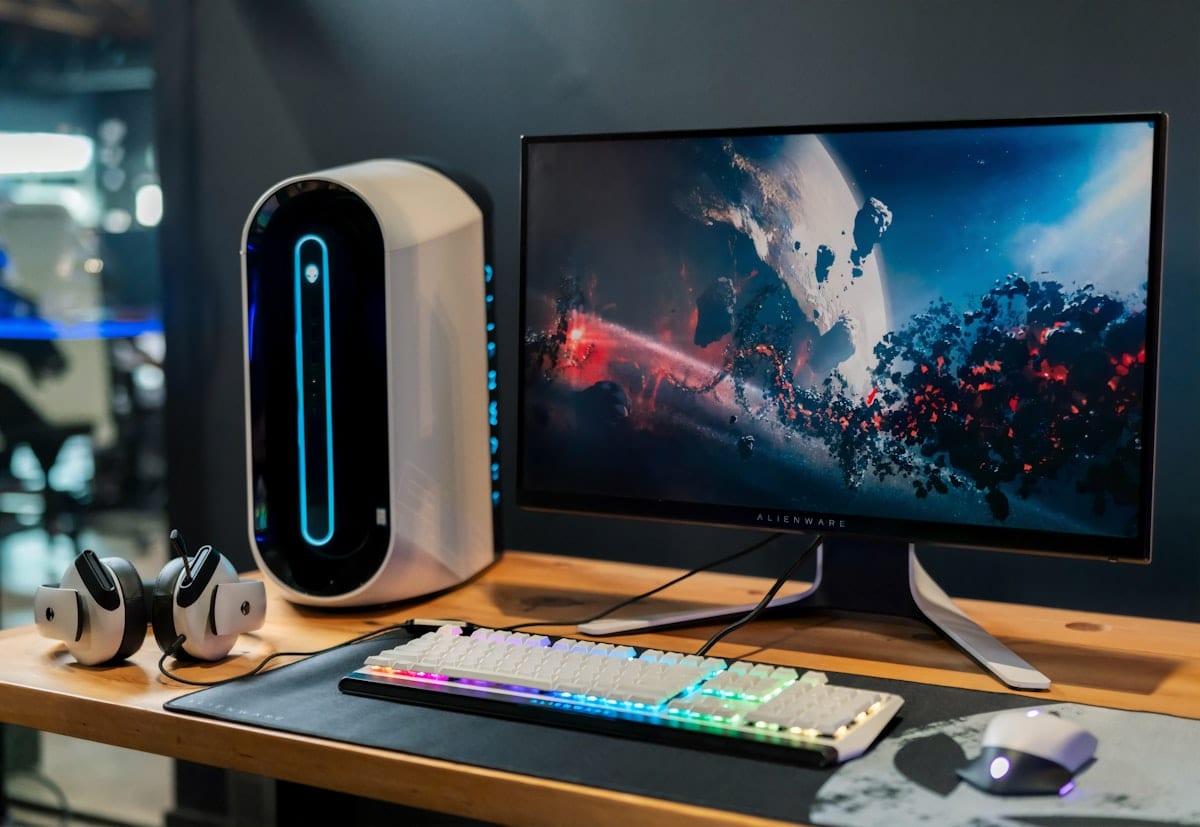
16GB VRAM cards: RTX 4060 Ti 16GB, RTX 5060, Intel Arc A770, and AMD RX 7800 XT. The Arc A770 is the budget standout, 16GB with decent compute, though its AI driver support is still maturing. Street prices move constantly, so check current listings.
How to read the VRAM numbers here. Where a figure comes from a published GGUF file it is a static weight size at the named quantisation, with the KV cache allocated on top; where no published figure exists, this page says so instead of guessing. Anything within 1-2GB of the ceiling fits with minimal context room. As rough math, Q4_K_M fits up to about 20B parameters with 2-4GB for context, and Q5 or Q6 leaves a 14-15B model generous headroom.
Quick Reference
| Use Case | Best Pick | Static weights | Quantisation | Note |
|---|---|---|---|---|
| Chat | GPT-OSS 20B | 11.63 GB | Q4_K_M | Natively MXFP4, so the whole GGUF ladder is 11.4-13.8 GB |
| Chat (reasoning) | Apriel-1.6-15B-Thinker | 8.79 GB | Q4_K_M | MIT, comfortable context room here |
| Coding (autocomplete) | Qwen2.5-Coder 14B | ~9 GB | Q4_K_M | FIM, 128K context |
| Coding (agentic) | Qwen3.6-27B | 17 GB | Q4_K_M | 77.2% SWE-bench Verified, self-reported |
| Coding (new MoE) | KAT-Coder-V2.5-Dev | not published | - | Apache-2.0, 35B total / 3B active |
| Translation | TranslateGemma 12B | 8.1 GB | Ollama build | Custom Gemma terms |
| Vision | No pick | - | - | Unresolved at this tier, see below |
| Speech (STT) | Canary-Qwen / Whisper large-v3 | ~5-10 GB | - | English pick / 99+ languages |
| Speech (TTS) | Step-Audio-EditX | ~12 GB (AWQ ~6-8 GB) | AWQ 4-bit | Apache-2.0, second on the August Elo board |
| Agents | Apriel-1.6-15B-Thinker | 8.79 GB | Q4_K_M | MIT, strong tool use |
Chat & General Assistant
GPT-OSS 20B is still the 16GB chat pick, fast and a capable all-rounder with real competition rather than a clear successor. One correction: the VRAM figure and the “top pick in tier-specific testing” claim both came from aggregator pages, now removed from this article. The measured figures are narrower than the rule of thumb suggests: the model is natively MXFP4, so its safetensors are 13.76GB and the whole GGUF ladder sits between 11.4GB and 13.8GB, with Q4_K_M at 11.63GB. It fits this tier comfortably.
Reasoning alternative: Apriel-1.6-15B-Thinker, a 15B dense MIT-licensed model with a high blended benchmark score and 131K context. ServiceNow’s own GGUF is 8.79GB at Q4_K_M, so at 16GB it runs with roughly 7GB to spare. Try it when GPT-OSS feels shallow on hard reasoning.
Full comparison: local chat model guide.
Coding
The dual-model setup shines here. Autocomplete: Qwen2.5-Coder 14B at roughly 9GB, with fill-in-the-middle, 128K context and 89.6% HumanEval in Table 16 of the Qwen team’s own technical report. It is deliberately an older generation than everything else here, because the newer general-purpose releases are not FIM-trained.
Agentic: the mixture-of-experts Qwen3.6-35B-A3B, from the Qwen3.6 repository, does not fit this tier. Ollama’s build of it is 24GB, because a MoE model keeps every expert resident even though only a few activate per token, so a 35B-total model needs a 35B-total footprint. The dense Qwen3.6-27B is 17GB at Q4_K_M and does fit, at a self-reported 77.2% on SWE-bench Verified against the 35B-A3B’s 73.4%. That leaves under a gigabyte spare, so for sustained agentic work reach to the 24GB tier.
New this month: Kwaipilot KAT-Coder-V2.5-Dev, released in late July 2026 (the card does not state the exact day). A 35B-total / 3B-active mixture-of-experts model, Apache-2.0, with 262K context, and the text-only variant of KAT-Coder-V2.5, so vLLM or SGLang needs the --language-model-only flag because the parent model carries vision. Hugging Face lists more than 50 community quantisations of it for llama.cpp, LM Studio, Jan and Ollama; the model card itself does not mention quantised builds.
Self-reported scores: SWE-bench Verified 69.40%, SWE-bench Multilingual 63.00%, SWE-bench Pro 45.96%, Terminal-Bench 2.1 41.02%. Those are the lab’s own numbers, not an independent evaluation, and SWE-bench Verified and SWE-bench Pro are different benchmarks over different task sets, so reading 69.40 against 45.96 as a decline is a mistake. Kwaipilot publishes no VRAM figure, so treat it as the same size class as Qwen3.6-35B-A3B and measure it yourself.
Full comparison: local coding model guide.
Translation
TranslateGemma 12B is listed on Ollama at 8.1GB, leaving enough context headroom to load an entire document and translate it in one pass, keeping terminology consistent across long texts. The licence is Google’s custom Gemma terms with a prohibited-use policy attached, not a blanket open licence, so read it before building a product on the output.
Full comparison: local translation model guide.
Vision
This page makes no recommendation at this tier, which is the honest output rather than a gap, and matches the vision deep dive. The question at 16GB is whether to squeeze in a model from the 27B-to-30B class, and neither family fits there without a lossy quantisation:
| Option | Quantisation | Weights + mmproj | Free on a 16GB card |
|---|---|---|---|
| Qwen3.5-27B | IQ4_XS | 14.98 + 0.93 = 15.91 GB | almost nothing |
| Qwen3-VL-30B-A3B | Q3_K_M | 14.71 + 1.08 = 15.79 GB | almost nothing |
Three things block a verdict:
- Both options need quantisation below Q4_K_M, where quality loss is real but unmeasured for these specific models.
- No benchmark data exists at those quantisation levels for either family. Every published comparison is at full precision, so carrying that result down to a 3-bit or IQ4 build is an assumption, not a measurement, and it can fail asymmetrically between a dense model and a mixture-of-experts model.
- The MoE speed advantage is real but unquantified. Qwen3-VL-30B-A3B activates roughly 3B parameters per token, so it should generate faster than a dense 27B, but no throughput comparison at these quantisation levels was found, so it cannot be traded against a quality difference that is also unmeasured.
Both configurations leave under a gigabyte free before the KV cache, which for a vision model processing high-resolution images is not a workable margin.
What a 16GB owner can do today is run the 12GB configuration with room to spare: Qwen3.5-9B at Q8_0 is 9.53GB of weights plus a 0.92GB mmproj-F16 projector, 10.45GB in total, leaving roughly 5.5GB for context, a second resident model, or both. That is a smaller model comfortably run, not an answer to the 16GB question, and it should not be read as one. Molmo2-8B remains the separate option when the job is locating things rather than describing them; no firm VRAM figure for it was found.
Full comparison: local vision model guide.
Speech
16GB comfortably runs a full-quality speech pipeline. Transcription: Canary-Qwen-2.5B is the English option at this tier, and Whisper large-v3 at roughly 10GB is the one to use when 99-plus language coverage matters. No accuracy ranking between them is restated this month: the models are unchanged, but the live Open ASR leaderboard order could not be reliably reconfirmed in this pass.
Text-to-speech, with a correction. The July version of this page called Step-Audio-EditX the top-ranked open TTS model. On the Artificial Analysis open-weights TTS board pulled 2026-08-06, Fish Audio S2 Pro is first at 1121 Elo and Step-Audio-EditX is second at 1109. That is the other way round from July.
The recommendation does not change, and the reason is licensing rather than ranking. Fish Audio S2 Pro ships under the fish-audio-research-license, which is non-commercial; Step-Audio-EditX is Apache-2.0. For an audience that self-hosts and may eventually put the output in something with a price on it, that outranks an Elo gap of about 12 points. Step-Audio-EditX is roughly 12GB, or 6-8GB as an AWQ 4-bit build. Chatterbox (MIT, roughly 4-6GB) is the lighter cloning option, and pairing it with Parakeet (about 2GB) and a small chat model gives a full voice assistant with room to spare.
Full comparison: local speech model guide.
Agents
Apriel-1.6-15B-Thinker is the 16GB agent pick: 15B dense, MIT-licensed, 131K context, scoring 63.50 on BFCL v3 and 69 on Tau2 Bench Telecom on its own model card, with reasoning training that helps it plan multi-step tool chains. GPT-OSS 20B remains a fast OpenAI-format alternative when one model for both chat and tools is the simpler answer.
Full comparison: local agent model guide.
Getting Started
# Install Ollama
curl -fsSL https://ollama.com/install.sh | sh

# Pull essentials for 16GB
ollama pull gpt-oss:20b              # Chat + agents
ollama pull qwen2.5-coder:14b        # Autocomplete
ollama pull qwen3.5:9b               # Images, run at Q8_0 with headroom

# Start chatting
ollama run gpt-oss:20b
The qwen3.5 tags carry “Text, Image” capabilities, so one pull covers both. Model tags shift as libraries update, so check the Ollama library for current ones.
The 16GB Advantage: Headroom
The difference from 12GB is not just bigger models, it is comfort. At 12GB, a 9B model at Q8_0 with its vision projector leaves about 1.5GB for context; at 16GB the same configuration leaves roughly 5.5GB. That buys longer conversations, bigger code files in prompts, higher quantisation, and room for a small second model.
When to Upgrade
16GB handles most tasks well. The jump to 24GB unlocks:
- Qwen3.6-27B, the newest open-weight Qwen dense model and Apache-2.0, at a self-reported 77.2% SWE-bench Verified for coding
- GLM-4.7-Flash (MIT), the strongest agent model that fits a consumer card
- Qwen2.5-Coder 32B, at 92.7% HumanEval in the Qwen team’s own blog, the best local autocomplete
- A vision tier that actually resolves: Qwen3.5-27B at Q6_K plus projector (23.38GB) as the quality pick, or Qwen3.5-35B-A3B at Q4_K_M plus projector (22.92GB) as the mixture-of-experts speed pick
- Running multiple large models at once
See the 24GB guide for the enthusiast tier.
All eleven local-AI guides, by hardware tier and by task, are indexed at Local AI by VRAM: Which Models Fit Your GPU.